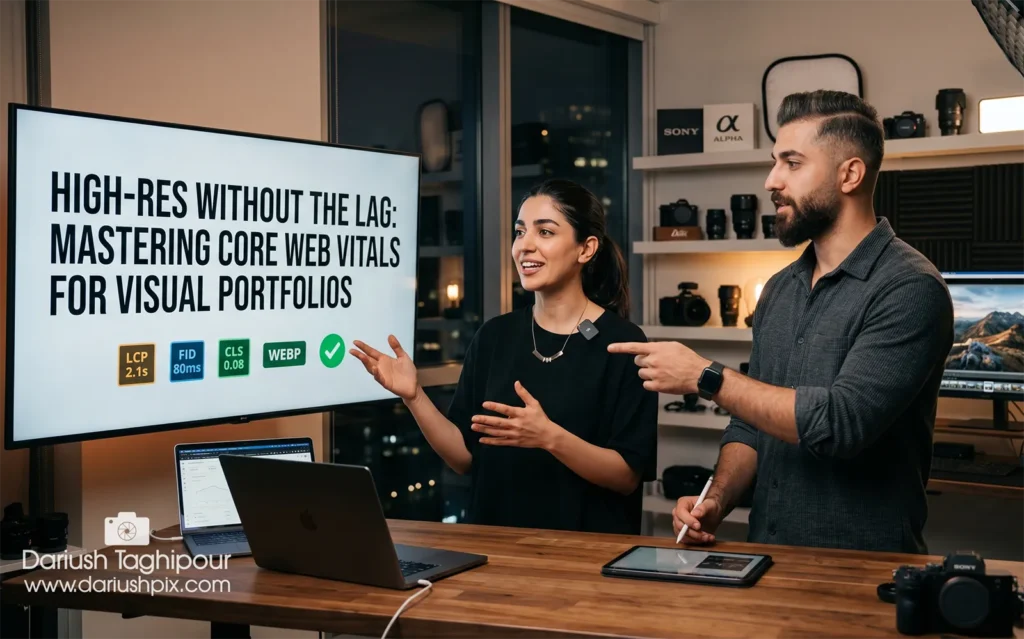
As creators, we face a constant paradox: we want our audience to see every crisp detail of our 4K captures, but Google demands lightning-fast load speeds. If your site is sluggish, even the best cinematography won’t save your search rankings.
The secret isn’t “compressing” your work into oblivion—it’s about Smart Delivery. Here is the workflow I use to maintain elite visual quality while acing the Core Web Vitals (CWV).
1. The “WebP/AVIF” Shift
Forget JPEGs. For a professional portfolio, you should be serving images in WebP or, ideally, AVIF. These formats offer superior compression (up to 30% better than JPEG) without sacrificing the dynamic range or sharpness of your shots.
2. Implement “Lossless” Lazy Loading
Standard lazy loading can sometimes feel “jumpy.” Use a Blur-up technique. This serves a tiny, 10px blurred placeholder first, which transitions into your high-res 4K image once the user scrolls to it. It keeps the Largest Contentful Paint (LCP) score low while giving the user an instant visual cue.
3. Precision Sizing with ‘srcset’
Don’t serve a 4000px image to someone on an iPhone. Use the srcset attribute in your code (or via a solid WordPress plugin like Rank Math or WP Rocket). This ensures the browser only downloads the version of the image that matches the user’s screen resolution.
4. Offload the Heavy Lifting to a CDN
If you are hosting high-bitrate video headers or massive galleries, your local server will eventually choke. I recommend using a Content Delivery Network (CDN) like Cloudflare or Bunny.net. By caching your content on global servers, you reduce the physical distance data travels, drastically cutting down your “Time to First Byte” (TTFB).
5. Prioritize the “Above the Fold” Assets
Never lazy-load your hero image. To keep Google happy, your first main image should have the fetchpriority="high" attribute. This tells the browser: “Download this first, worry about the rest later.”